Photo to dance video

AI Dance Generator

Upload a photo, then pick a dance or upload any dance clip. The AI makes the person in your photo copy every move, with the music. No dance video? Just describe the dance you want.

  • Any dance, any song
  • Keeps the music
  • MP4 or MOV, 3–15 seconds
Dancer photo
Dance video
Or pick a character
Or pick a dance

30 credits per second of video

Your video will appear here

Add your files and press the button.

Made with this tool

Real Results From This Tool

PhotoPhoto
Dance
Result

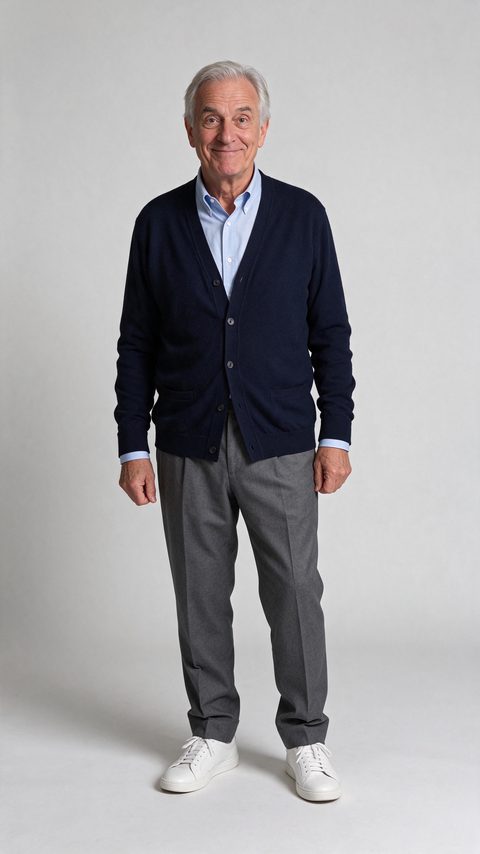
Grandpa does hip-hop

A photo of a man in his sixties in a cardigan, plus the Hip-hop template. He hits the same bounces, steps and arm swings as the dancer, in the studio from his photo.
PhotoPhoto
Dance
Result

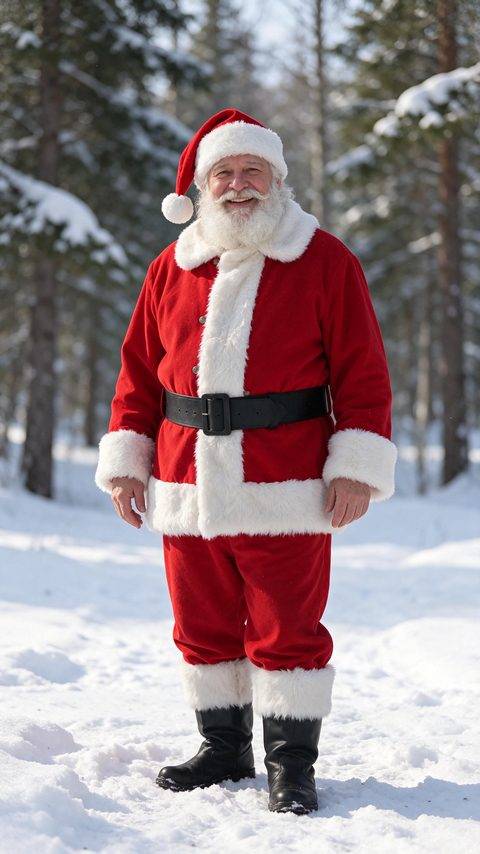
Santa joins the party

A Santa photo taken in the snow, plus the Cheerful template. His suit, beard and snowy forest stay; every move comes from the dancer.
PhotoPhoto
Dance
Result

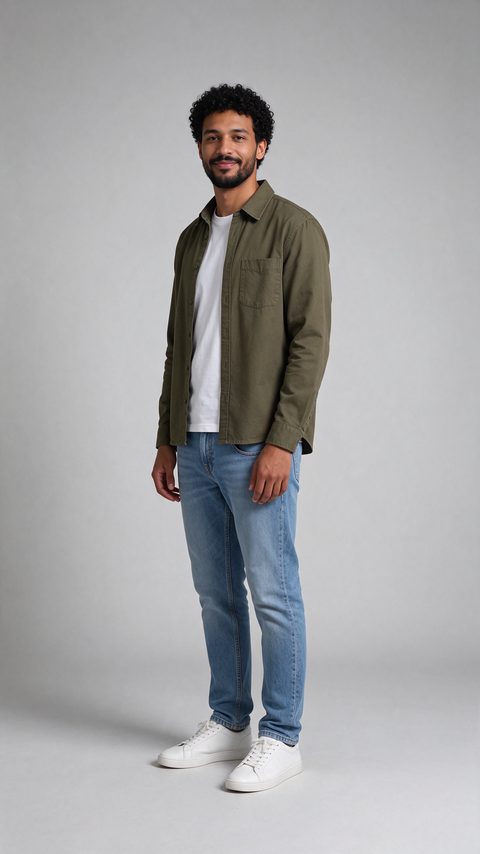
Hip-hop from one standing photo

A man standing still in a studio, plus the Hip-hop template. His face, curls and olive overshirt stay the same through every step and turn.
PhotoPhoto
Dance
Result

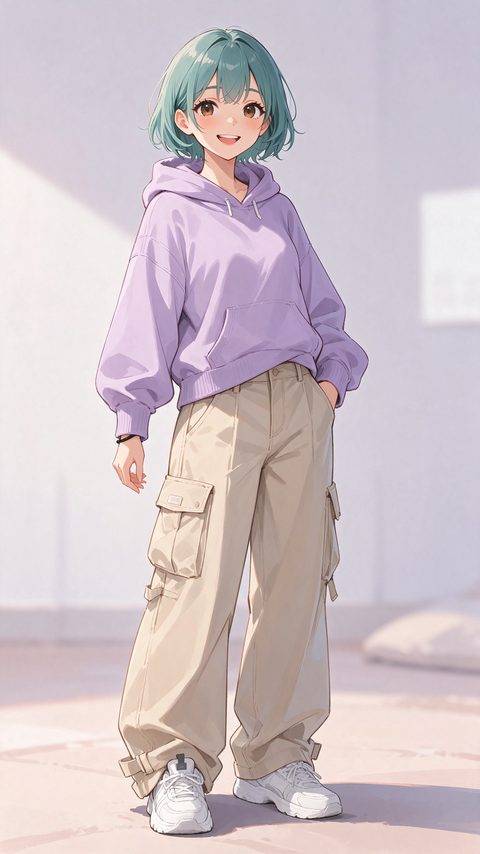
An anime character doing K-pop

Illustrations work too. An original anime character performs the K-pop routine and keeps her teal bob, hoodie and pastel style.
PhotoPhoto
Dance
Result

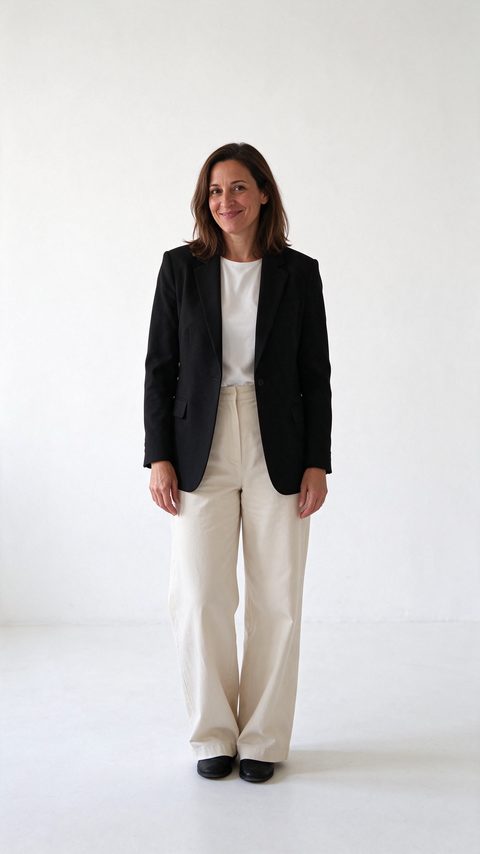
Office party mode

A woman in a blazer, plus the Cheerful template. Same steps and swings as the dancer, with her own outfit and backdrop.
PhotoPhoto
Dance
Result

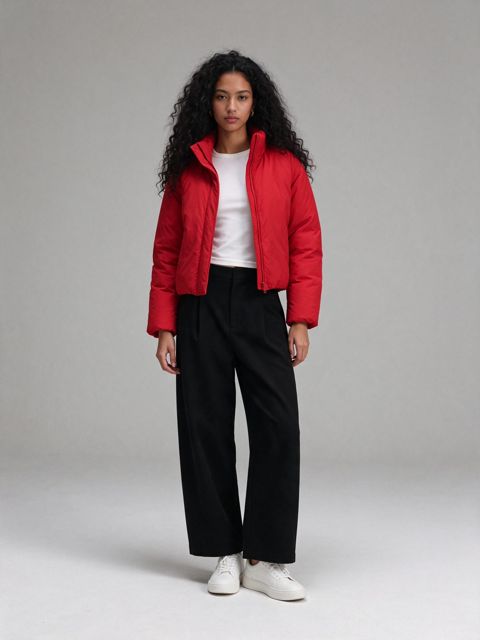
A photo doing a K-pop dance

One standing photo plus the K-pop dance template. The woman from the photo performs the same arm pops, footwork and final pose, in the setting of her photo.

Every result above was made with the same AI model and settings this tool uses, unedited. The people in the demo clips and photos were generated with AI.

Three steps

How It Works

  1. 1

    Upload a photo

    A full-body photo of the person (or character) who should dance, standing and facing the camera.

  2. 2

    Pick a dance

    Choose one of the ready-made dances, or upload any 3 to 15 second clip of one dancer: a TikTok trend, a K-pop chorus or your own moves.

  3. 3

    Watch it dance

    The AI makes your photo copy the dance move for move and keeps the music of the original clip.

Ideas

Dance Videos You Can Make

Join a dance trend

Do the latest TikTok or Reels dance without learning the moves or filming yourself.

Make your pet or mascot dance

Animate a character, a cartoon or a brand mascot with real dance moves.

Show off an outfit

Turn an outfit photo into a dance clip that shows how the clothes move.

Birthday and party videos

Surprise a friend (with their OK) with a video of them dancing to their favorite song.

K-pop and choreography covers

See yourself in a K-pop chorus or a choreography before you learn it.

Old photos, new moves

Bring a family photo to life with a cheerful dance for an anniversary or reunion.

Get it right the first time

Tips for the Best Result

Works best

  • A full-body photo with arms and legs visible and a plain background.
  • A dance video with one dancer whose whole body stays in the frame.
  • At least 3 seconds of continuous dancing, without cuts.
  • Photo and video framed the same way, both full body.

Avoid

  • Close-up selfies or half-body photos for full-body dances.
  • Dance videos with several dancers, cuts or camera switches.
  • Dancers who leave the frame or are hidden behind others.
  • Photos of people who have not agreed, public figures or anyone under 18.

Only use photos of yourself or of people who have given you permission, and never photos of minors. Do not make dance videos that mock, sexualize or impersonate real people.

More video tools

Edit Your Videos With AI

AI Dance Generator FAQ

How does the AI dance generator work?
You upload a photo and a dance video. The AI tracks the dancer's body in every frame and makes the person in your photo perform the same moves, keeping their face, clothes and look from the photo.
Can I use any dance video?
Yes, any clip you have the right to use, as long as it shows one dancer in a single continuous shot. Trim it to the 3 to 15 seconds you want first.
Does the result keep the music?
Yes, the dance video keeps the sound of the clip you upload.
How much does it cost?
30 credits per second of video. A 10-second dance costs 300 credits. The price is shown before you start, and credits are refunded automatically if it fails.
What photo works best?
A sharp, full-body photo of one person standing and facing the camera, with arms and legs visible. Cropped or seated photos make it harder for the AI to place the moves.
Can I make a cartoon or a pet dance?
Characters with a human-like body (cartoons, game characters, mascots) usually work. Four-legged pets are harder because the dance moves are human.
How long does it take?
Usually 2 to 5 minutes, and up to an hour when it is busy. You can close the page while you wait: when the video is ready it is saved to your history, and if it fails your credits are refunded automatically.